
10 Shockingly Affordable Digital Marketing Tools You’ll Wish You Tried Sooner!
- June 19, 2026
- Uncategorized
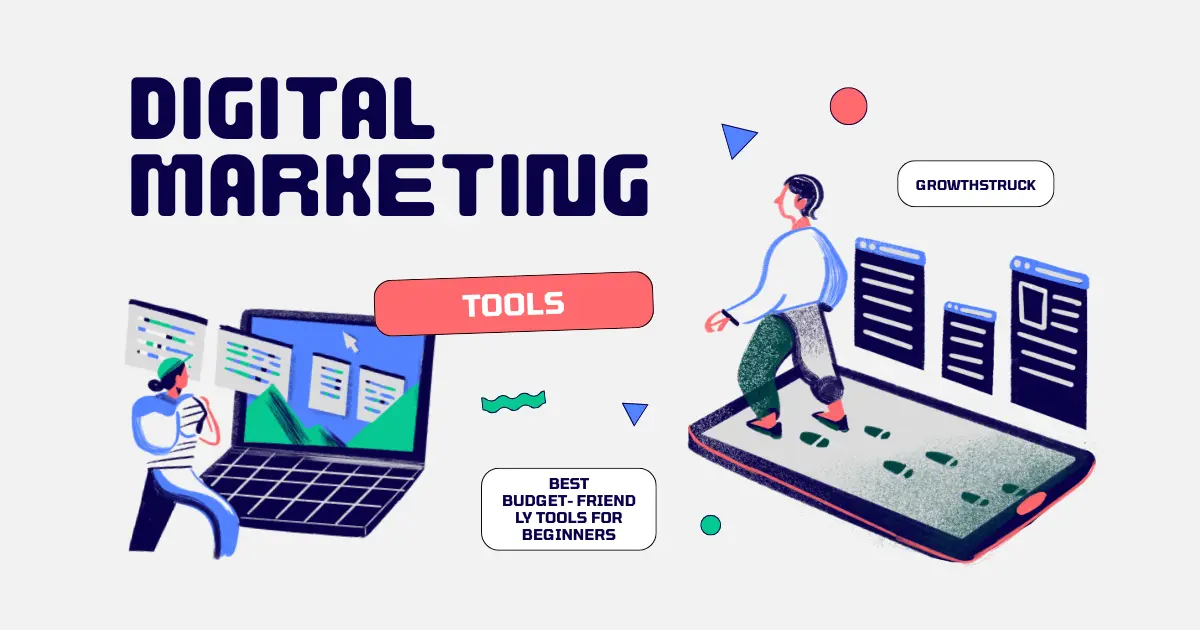
Best digital marketing tools for beginners: Starting your digital marketing journey can feel overwhelming. You see experts using expensive tools, and you wonder if you need them too. The truth is, you don’t. Many affordable (and even free) tools can help you learn, practice, and grow without breaking the bank.
In this blog, we’ll explore the best budget‑friendly tools for beginners. Each tool is easy to use, practical, and designed to help you build confidence step by step.
-
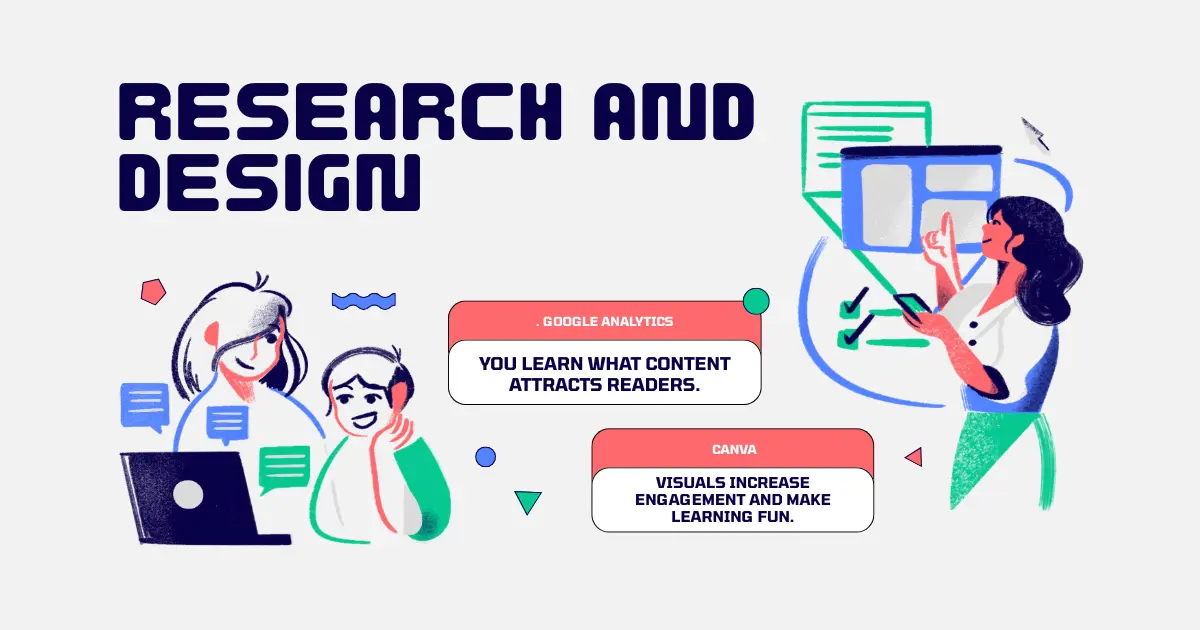
Google Analytics – Free Website Insights
Google Analytics is a must‑have if you own a blog or website. It shows you who visits your site, how they found you, and what they do once they’re there.
Why it matters: You learn what content attracts readers.
Cost: Free.
Beginner tip: Focus on simple metrics like page views, traffic sources, and bounce rate before diving into advanced reports.
2. Canva – Easy Design Tool
Good visuals make your content stand out. Canva lets you design social media posts, blog graphics, and even infographics without needing design skills.
Why it matters: Visuals increase engagement and make learning fun.
Cost: Free plan available; Pro plan is affordable.
Beginner tip: Start with ready‑made templates. Customize colors and text to match your brand.
-
Ubersuggest – Beginner SEO Tool
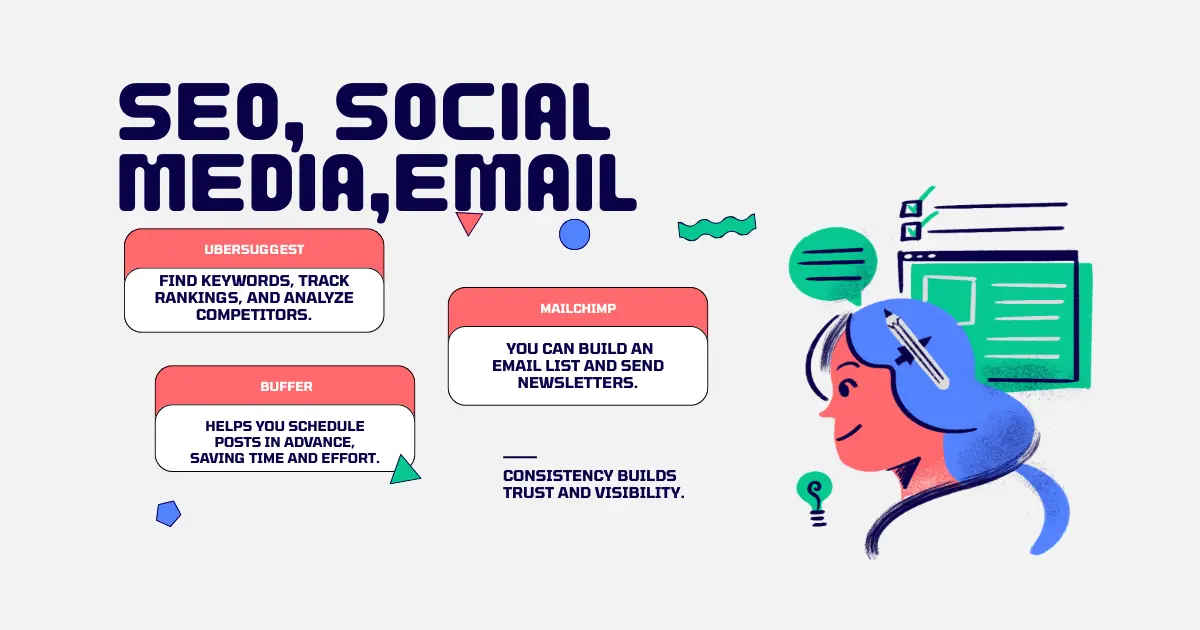
SEO sounds complicated, but Ubersuggest makes it simple. It helps you find keywords, track rankings, and analyze competitors.
Why it matters: Keywords help your blog show up on Google.
Cost: Free version covers basics; paid plan is budget‑friendly.
Beginner tip: Use keyword suggestions to plan blog topics that match what people search for.
4. Mailchimp – Email Marketing Starter
Email marketing is one of the most effective ways to connect with your audience. Mailchimp offers a free plan perfect for beginners.
Why it matters: You can build an email list and send newsletters.
Cost: Free for up to 500 contacts.
Beginner tip: Start with a simple welcome email. Keep your tone friendly and human.
5. Buffer – Social Media Scheduling
Managing multiple social media accounts can be stressful. Buffer helps you schedule posts in advance, saving time and effort.
Why it matters: Consistency builds trust and visibility.
Cost: Free plan available; paid plan is affordable.
Beginner tip: Plan one week of posts at a time. This keeps you organized and reduces stress.
-
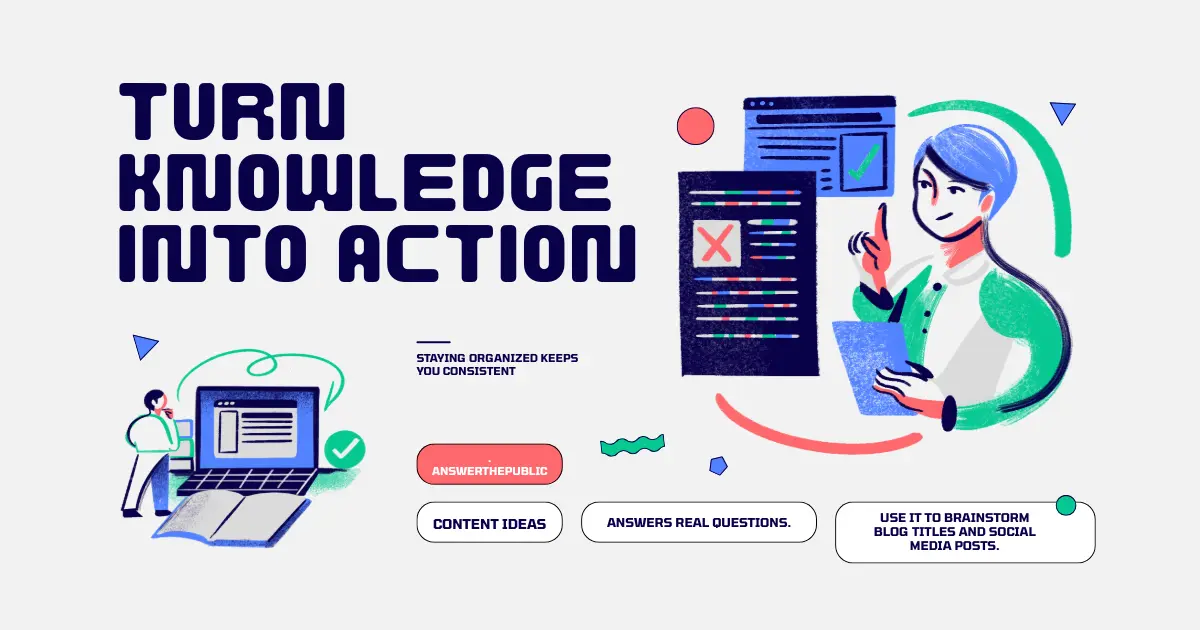
AnswerThePublic – Content Ideas
Struggling with blog topics? AnswerThePublic shows you what people are asking online. It’s a goldmine for content inspiration.
Why it matters: You create content that answers real questions.
Cost: Free limited searches daily.
Beginner tip: Use it to brainstorm blog titles and social media posts.
7. Loom – Simple Video Recording
Video content is powerful, and Loom makes it easy to record tutorials or explain ideas.
Why it matters: Videos build trust and make learning personal.
Cost: Free plan available.
Beginner tip: Record short videos (2–3 minutes) to explain one concept at a time.
8. Grammarly – Writing Assistant
Clear writing is key in digital marketing. Grammarly checks grammar, spelling, and tone so your content feels professional.
Why it matters: Good writing builds credibility.
Cost: Free version covers basics.
Beginner tip: Use it to polish blog posts and emails before publishing.
9. Trello – Task Management
Digital marketing involves many moving parts. Trello helps you organize tasks with boards and lists.
Why it matters: Staying organized keeps you consistent.
Cost: Free plan available.
Beginner tip: Create a board for your blog. Add lists for “Ideas,” “In Progress,” and “Published.”
10. Pixabay – Free Stock Images
High‑quality images make your blog and social posts more appealing. Pixabay offers free stock photos you can use legally.
Why it matters: Visuals improve engagement.
Cost: Free.
Beginner tip: Choose images that match your message. Avoid generic stock photos that feel fake.
You don’t need expensive tools to start digital marketing. With free and affordable options like Google Analytics, Canva, Ubersuggest, and Mailchimp, you can learn the basics, create content, and grow your audience.
Here’s a simple action plan:
Track your website traffic with Google Analytics.
Design visuals with Canva.
Find keywords using Ubersuggest.
Build an email list with Mailchimp.
Schedule posts with Buffer.
By combining these tools, you’ll build a strong foundation without spending much money.
Digital marketing is about creativity, consistency, and connection. Tools make the process easier, but your curiosity and effort matter most. Start small, experiment, and learn as you go.
Affordable tools give you the freedom to practice without pressure. As you grow, you can upgrade to advanced versions — but for now, these beginner‑friendly options are more than enough to help you strike growth.
More from our blog
See all posts