
Email Marketing for Beginners: Building Your First Campaign That Converts
- May 29, 2026
- Uncategorized
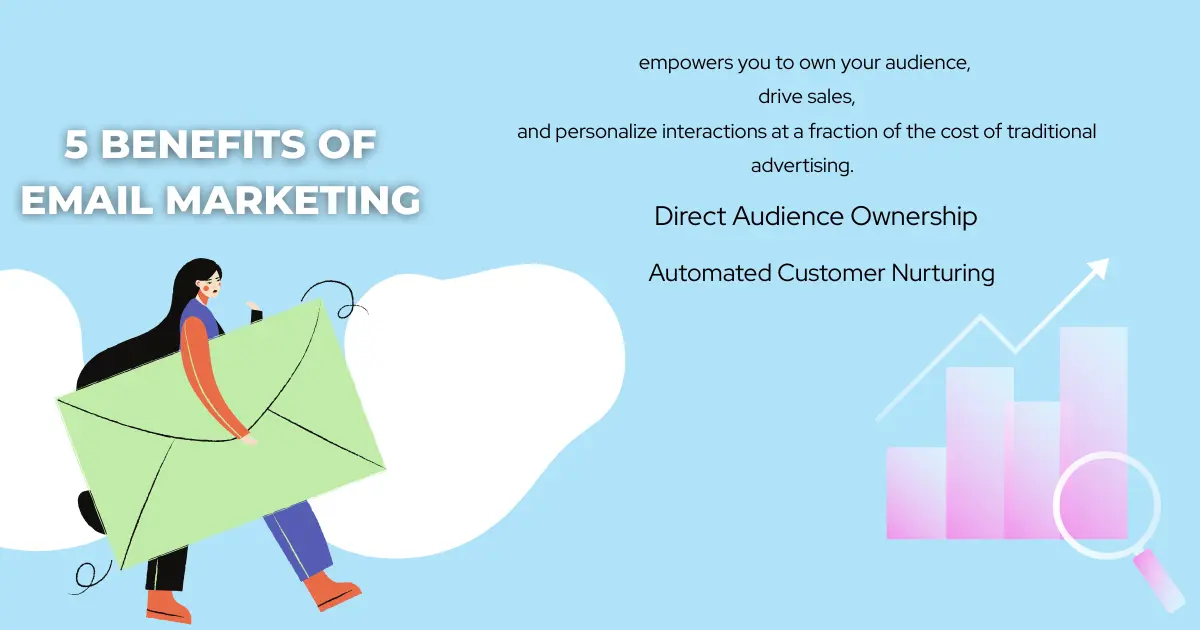
Email marketing might sound complicated when you’re just starting out, but it’s actually one of the easiest and most effective ways to connect with your audience. Whether you’re running a small business, a blog, or just learning digital marketing, email campaigns can help you build relationships, share updates, and even boost sales — all without spending much money.
Let’s break down how to create your first email marketing campaign step by step, using simple language and practical examples.
Step 1: Set Your Goal
Before you send your first email, decide what you want to achieve. Every campaign should have a clear purpose.
Here are a few common beginner goals:
- Grow your email list — attract new subscribers.
- Drive more sales — promote products or services.
- Share updates — send newsletters or announcements.
For example, if you run a small online store, your goal might be:
“Get 500 new subscribers and increase product sales by 10% in three months.”
Having a goal helps you measure success later.
Step 2: Build Your Email List
You can’t send emails without subscribers! Start by collecting email addresses from people who are genuinely interested in what you offer.
Here’s how:
- Create a sign-up form on your website or blog.
- Offer a freebie — like an eBook, discount code, or checklist.
- Use a lead magnet — something valuable that encourages people to subscribe.
Example:
“Join our newsletter and get a free guide: 10 Easy Marketing Tips for Beginners!”
Tip: Always ask for permission before adding someone to your list. It keeps your emails legal and builds trust.
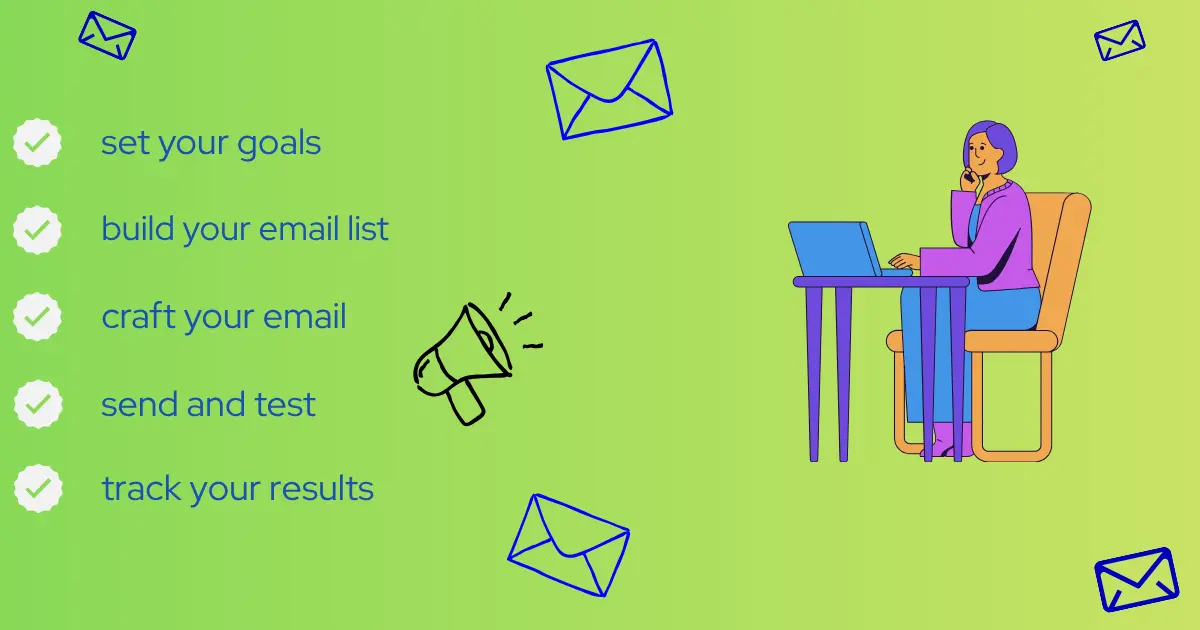
Step 3: Craft Your Email
Now it’s time to write your email. Keep it short, friendly, and focused.
Here’s a simple structure:
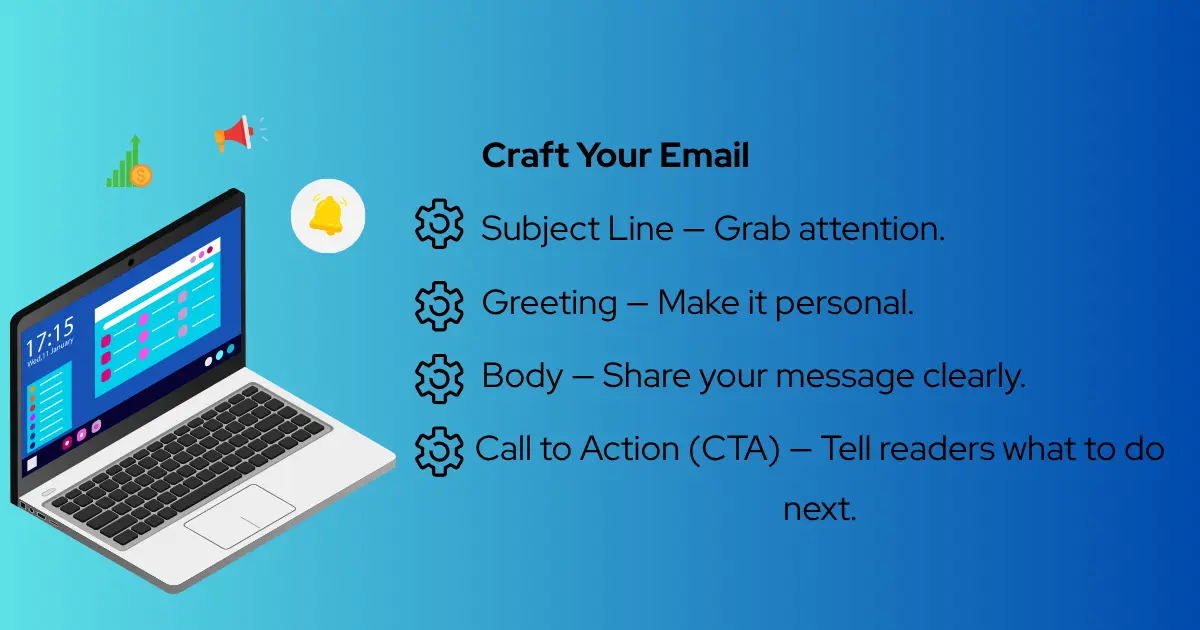
Subject Line — Grab attention.
- Example: “Unlock 5 Marketing Tips You Can Use Today!”
Greeting — Make it personal.
- Example: “Hi Sarah,”
Body — Share your message clearly.
- Example: “We’ve put together five simple marketing tips to help you grow your business. Check them out below!”
Call to Action (CTA) — Tell readers what to do next.
- Example: “Click here to download your free guide.”
Keep your tone conversational — like you’re talking to a friend. Avoid jargon or overly formal language.
Step 4: Design Your Email
You don’t need to be a designer to make your email look good. Tools like Mailchimp, MailerLite, or Canva offer easy templates.
Design tips for beginners:
- Keep it simple — clean layout, easy to read.
- Add images — visuals make emails more engaging.
- Use buttons — make your CTA stand out.
- Stay consistent — use your brand colors and fonts.
Example:
A simple email with your logo at the top, a short message in the middle, and a bright “Shop Now” button at the bottom works perfectly.
Step 5: Send and Test
Before sending your campaign to everyone, test it first.
Here’s what to check:
- Are all links working?
- Does the email look good on mobile and desktop?
- Are there any spelling mistakes?
Once you’re confident, schedule your email. Most email tools let you choose the best time to send — usually mornings or early afternoons work well.
💡 Pro Tip: Send your first email to a small group of subscribers. See how they respond before sending it to your entire list.
Step 6: Track Your Results
After sending your email, don’t forget to check how it performed.
Important metrics to track:
- Open Rate — how many people opened your email.
- Click Rate — how many clicks your links or buttons.
- Conversion Rate — how many took action (like buying or signing up).
Example:
If 200 people opened your email and 50 clicked your link, your click rate is 25%. That’s a great start!
Use these insights to improve your next campaign. If your open rate is low, try writing a more exciting subject line. If clicks are low, make your CTA clearer.
Step 7: Keep Improving
Email marketing is all about learning and improving.
Here’s how to get better over time:
- Experiment with different subject lines.
- Segment your audience — send personalized emails based on interests.
- Ask for feedback — what do your subscribers want to read?
- Stay consistent — send emails regularly (weekly or monthly).
The more you practice, the more confident you’ll become.
Common Mistakes Beginners Should Avoid
Even experienced marketers make mistakes. Here are a few to watch out for:
- Sending too many emails — people might unsubscribe.
- Ignoring mobile design — most people read emails on their phones.
- Using spammy words — like “FREE!!!” or “LIMITED OFFER!!!”
- Not checking analytics — you’ll miss chances to improve.
Keep your emails helpful, respectful, and relevant. Subscribers will appreciate it.
Step 8: Build Relationships, Not Just Sales
Email marketing isn’t just about selling — it’s about building trust.
Share stories, tips, and updates that help your audience. When people feel connected to your brand, they’re more likely to buy later.
Example:
“We started Growthstruck to help beginners learn digital marketing. Here’s how one of our readers used our tips to grow her blog!”
Authenticity goes a long way.
Creating your first email marketing campaign doesn’t have to be hard. Start small, stay consistent, and focus on helping your audience.
Here’s a quick recap:
- Set your goal.
- Build your email list.
- Write a clear, friendly message.
- Design a simple, attractive layout.
- Test before sending.
- Track your results and improve.
Email marketing is one of the most powerful tools in digital marketing — and it’s beginner-friendly. With a little effort, you can turn subscribers into loyal fans and customers.
So open your laptop, write your first email, and hit send. You’ll be surprised how far one message can go.
More from our blog
See all posts