
to people who are already searching for products or services like theirs. For beginners, setting up a campaign may seem complicated, but with the right steps, you can launch your first ad quickly and confidently.
This guide explains Google Ads in plain language and walks you through the process of creating your first campaign.
Why Use Google Ads?
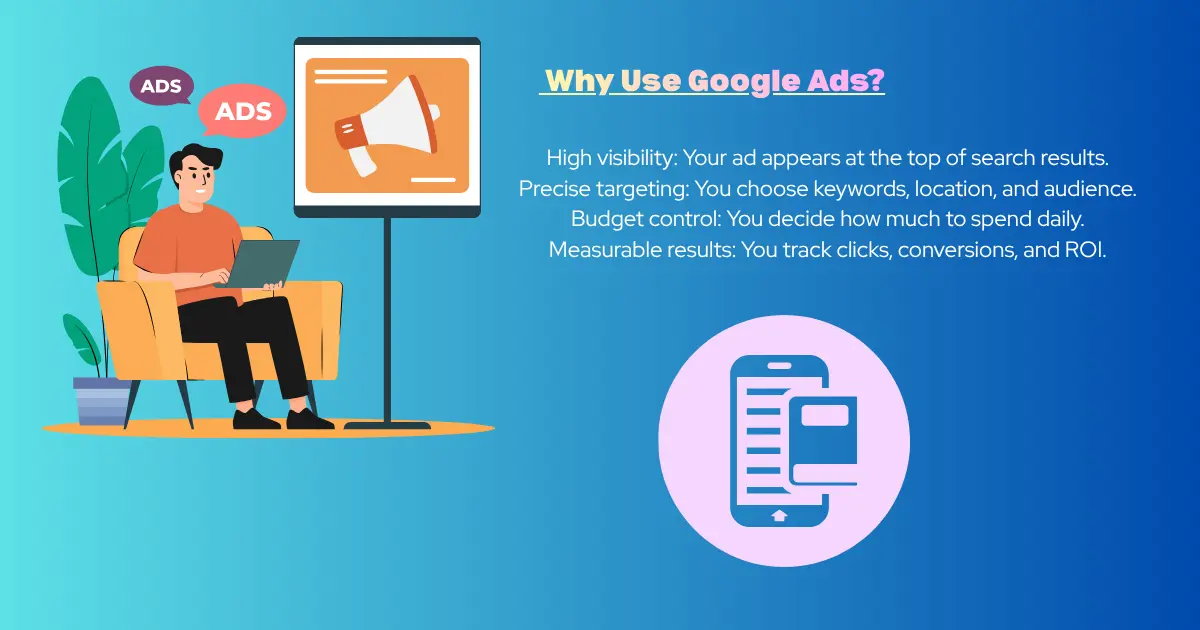
Google Ads lets you reach people at the exact moment they’re searching for something you offer. Unlike social media ads, which target interests, Google Ads targets intent.
- High visibility: Your ad appears at the top of search results.
- Precise targeting: You choose keywords, location, and audience.
- Budget control: You decide how much to spend daily.
- Measurable results: You track clicks, conversions, and ROI.
Step 1: Create a Google Ads Account
Go to ads.google.com and sign in with your Google account.
- Click “Start Now.”
- Enter your business details.
- Set up billing information.
Beginner tip: Use the “Expert Mode” instead of “Smart Campaigns.” Expert Mode gives you more control and helps you learn faster.
Step 2: Define Your Campaign Goal
Google Ads asks you to choose a goal. Common options include:
- Sales: Drive purchases.
- Leads: Collect sign‑ups or inquiries.
- Website traffic: Get more visitors.
- Brand awareness: Show your business to more people.
Beginner tip: Start with “Website traffic” or “Leads.” These are easier to measure.
Step 3: Choose Your Campaign Type
Google Ads offers several campaign types:
- Search Ads: Text ads that appear on Google search results.
- Display Ads: Image ads shown on websites.
- Video Ads: Ads on YouTube.
- Shopping Ads: Product ads for e‑commerce.
For beginners, Search Ads are the best starting point. They are simple and highly effective.
Step 4: Select Your Audience
You decide who sees your ads. Options include:
- Location: Target by country, city, or radius.
- Language: Choose the language your audience speaks.
- Devices: Show ads on desktop, mobile, or both.
Beginner tip: Start small. Target one city or region before expanding.
Step 5: Do Keyword Research
Keywords are the backbone of Google Ads. They trigger your ads when people search.
- Use tools like Google Keyword Planner (free inside Google Ads).
- Focus on long‑tail keywords (specific phrases like “affordable yoga classes in Jaipur”).
- Avoid overly broad keywords (like “yoga”), which are expensive and less targeted.
Beginner tip: Choose 10–15 keywords to start.
Step 6: Write Your Ad Copy
Your ad copy should be clear, simple, and persuasive. A search ad usually has:
- Headline: Catch attention (e.g., “Affordable Yoga Classes in Jaipur”).
- Description: Explain benefits (e.g., “Join today and get your first class free”).
- URL: Link to a relevant landing page.
Beginner tip: Highlight one benefit or offer. Keep it short and direct.
Step 7: Set Your Budget and Bidding
Google Ads works on a pay‑per‑click (PPC) model. You pay only when someone clicks your ad.
- Daily budget: Decide how much you want to spend per day.
- Bidding strategy: Choose how Google spends your budget. Beginners can use “Maximize Clicks.”
Beginner tip: Start with a small budget (₹300–₹500 per day). Increase once you see results.
Step 8: Create a Landing Page
Your ad should lead to a page that matches the promise. If your ad says “Free Yoga Trial,” the landing page should show details about the free trial.
Beginner tip: Keep your landing page simple. Add a clear headline, short description, and one call‑to‑action (like “Sign Up Now”).
Step 9: Launch Your Campaign
Once everything is set, click “Publish.” Your ads will start running after Google reviews them (usually within 24 hours).
Step 10: Track and Optimize
Google Ads provides detailed reports. Check:
- Clicks: How many people clicked your ad.
- CTR (Click‑Through Rate): Percentage of people who clicked after seeing your ad.
- Conversions: Actions like sign‑ups or purchases.
Beginner tip: Pause keywords that don’t perform well. Add new ones based on search terms.
Common Mistakes Beginners Should Avoid
- Using broad keywords: Wastes money.
- Sending traffic to homepage: Always use a specific landing page.
- Ignoring negative keywords: Add words you don’t want to trigger your ads (e.g., “free” if you don’t offer free services).
- Not tracking conversions: Without tracking, you can’t measure success.
Example Campaign Setup
Let’s say you run a yoga studio in Jaipur.
- Goal: Get new sign‑ups.
- Campaign type: Search Ads.
- Location: Jaipur city.
- Keywords: “yoga classes Jaipur,” “affordable yoga Jaipur,” “yoga trial Jaipur.”
- Ad copy:
- Headline: “Affordable Yoga Classes in Jaipur”
- Description: “Join today and get your first class free.”
- Budget: ₹400 per day.
- Landing page: A sign‑up form for free trial.
This simple setup can start bringing leads within days.
Google Ads is a powerful way to reach people who are already searching for what you offer. As a beginner, focus on:
- Choosing the right keywords.
- Writing clear ad copy.
- Setting a realistic budget.
- Tracking results and improving.
With practice, you’ll learn how to refine your campaigns and get better returns. Remember, success in Google Ads comes from testing, learning, and adjusting.
More from our blog
See all posts